
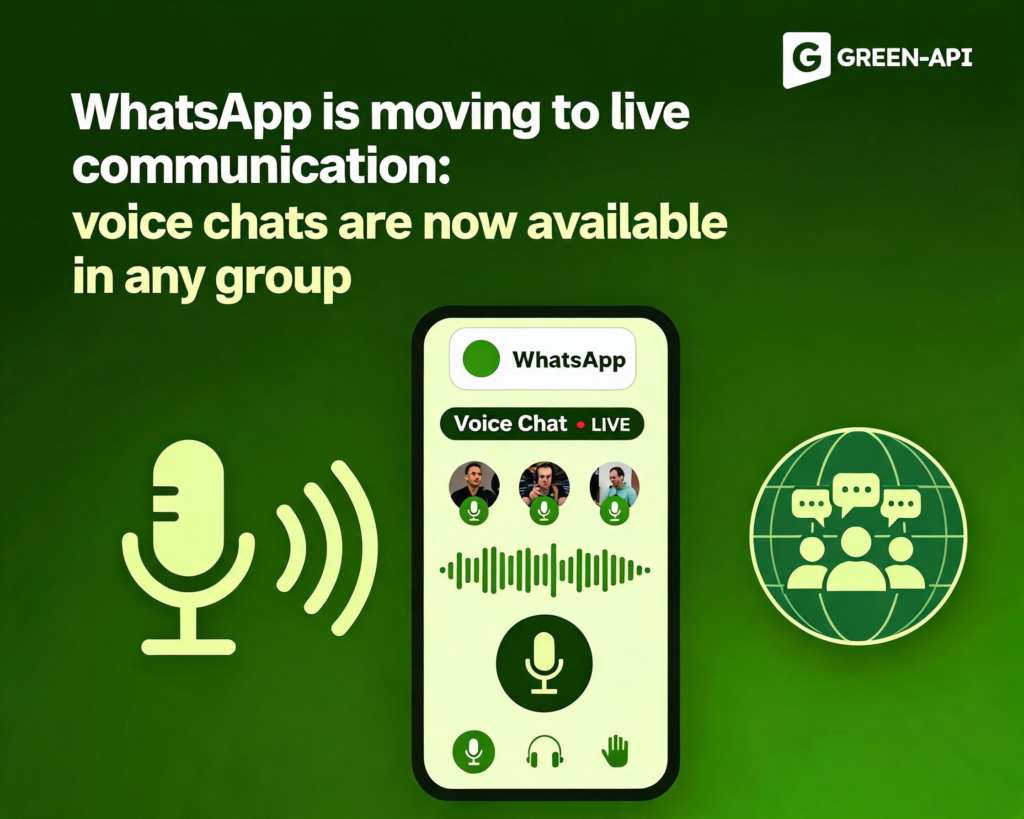
WhatsApp no longer wants you to just exchange messages. The messenger has rolled out a large-scale update that turns group chats into a space for spontaneous voice conversations, while also adding animated emojis, a moving sticker maker, and photo polls in channels. The main thing is that voice chats are now available in groups of any size, from a family chat to a work project.
Table of Contents
What was it like before?
Before this update, voice chats in WhatsApp were a privilege of large groups only. Users could start live audio, but the feature did not reach small chats, where it would seem to be needed most. In addition, creating a group required choosing participants during setup: you could not simply “set up” a chat for a future project and think about whom to invite later — you had to add someone right away. Animated emojis existed, but not for all scenarios, and the “Calls” tab was more of a call history than a full-fledged communication management center.
What now?
The update, announced on WhatsApp’s official blog, affects three key tabs at once: “Chats,” “Calls,” and “Updates” (Status and channels). Here is what is changing.
Voice chats for all groups. Now you can start a voice chat in a group of any size. To do this, simply swipe up from the bottom panel of the chat and hold your finger for a couple of seconds. Unlike a regular call, such a chat does not “ring” participants in their headphones — it quietly appears at the bottom of the screen and stays there until people want to join. This is an informal “always in touch” format: you can discuss a match, a series finale, or sudden news without switching the group into conference mode.
Creating groups without participants. Now, when creating a group, you can simply give it a name and not add anyone right away. The messenger allows you to first “reserve” the chat and invite participants later — via a link or manually. For planning events and work discussions, this removes unnecessary fuss at the start.
Animated emojis and sticker maker. In “Chats,” some emojis (red heart, “hundred points,” smiling face with sunglasses, winking face, and others) now animate when sent. There is also a new animated sticker maker: your favorite video can be turned into a personalized moving sticker right in the app. This adds creativity to conversations without third-party editors.
The “Calls” tab has become a control center. The tab’s interface has been redesigned: there is now dedicated space for making new calls, sharing call links, and managing call history. Everything related to calls is collected in one place, rather than scattered across chats.
Photo polls in channels. Channel admins can now create polls in which each answer option can be accompanied by its own photo. This makes voting not only more informative but also visually clearer — especially when choosing a design, a meeting place, or a product.
How does it work?
A voice chat in a group does not require all participants to be online at the same time. You swipe up, start an audio session, and it is pinned at the bottom of the screen. Participants see the controls and the list of those who have joined, but there is no intrusive ringtone. You can drop in, say a few words, and leave — the chat will continue to stay active as long as there are interlocutors in it.
Creating a group without participants works like this: you tap “New group,” enter a name, and skip the step of adding people. Later, in the group settings or via an invite link, you add the contacts you need.
As for the other features, they are built into familiar scenarios: animated emojis — in the message input field, the sticker maker — in the stickers section, photo polls — in the channel tools.
When will it appear?
The update has already started rolling out on Android and iOS. WhatsApp has traditionally introduced features gradually. Some features (for example, photo polls in channels) may not be available in all regions at the same time, but the company has confirmed that the innovations will eventually reach both platforms.
What if you don’t need this?
Voice chats do not ring and do not require an immediate response, so there is no need to disable them separately — you simply do not join. Animated emojis, as before, can be deactivated in chat settings if movement is distracting. Creating a group without participants is an optional scenario: you can still add people right away.
For businesses and developers who use WhatsApp via the API, these changes mean that the messenger interface is becoming more “live” and multichannel. Voice chats and photo polls are new touchpoints with the audience, and flexible group creation simplifies customer segmentation.
Conclusion
The update to voice chats and related features in WhatsApp is a step toward more live and flexible communication, where group conversations stop being text-only. On-demand voice chats, group creation without mandatory participant addition, and photo polls in channels give users more freedom and give businesses new scenarios for interacting with their audience.
At GREEN-API, we closely monitor WhatsApp’s development and promptly reflect changes in our service. Read our blog to stay up to date with the latest messenger updates.