
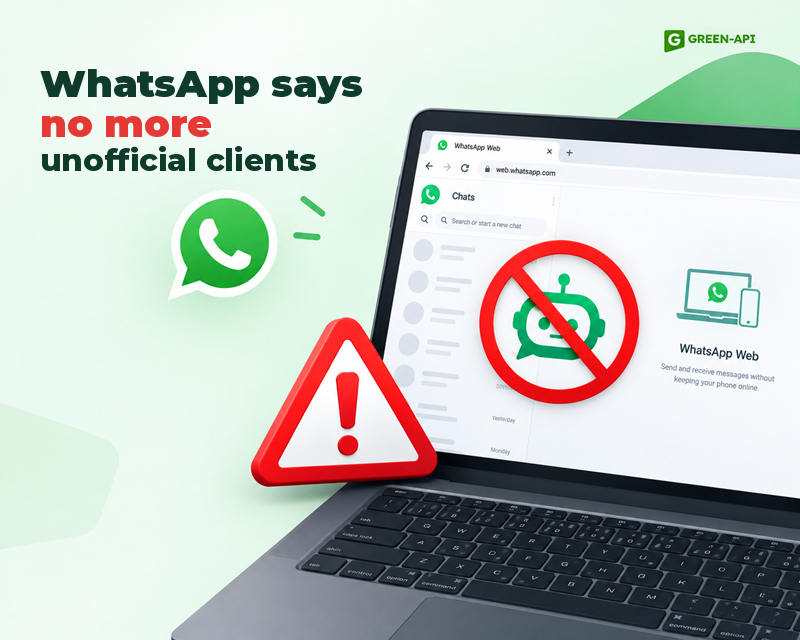
WhatsApp is testing a new feature for Android users—a warning about logging into an account via an unofficial WhatsApp Web client. The warning will appear on the screen in the “Connected Devices” menu and prompt the user to switch to the official web version. This will make it easy to identify when a “gray-market” solution is being used.
Table of Contents
What it is and why it’s needed
WhatsApp is taking another step to protect users from clones—this time in the web version of the app. From now on, anyone who logs into their account via an unofficial WhatsApp Web client will see a warning in the “Connected Devices” menu.
This message will prompt you to switch to the official version to ensure the security of your account. When users attempt to link their account to an unofficial web client, WhatsApp will display a notification at the bottom of the screen. It will inform you that you should only use the official WhatsApp interface. You can ignore it, but the messenger will keep displaying it until you switch from the “gray” version to the official solution.
What counts as an unofficial WhatsApp Web client
The warning may appear in several situations. For example, when using browser extensions that integrate WhatsApp Web into another interface, or third-party clients that mimic its functionality.
Third-party messengers have no control over how these tools handle users’ data, nor do they provide the same security standards that WhatsApp offers.
At your own risk
An unofficial WhatsApp Web client acts as an intermediary between your account and the server. This means that messages, contacts, and media files may be vulnerable to malware.
The official WhatsApp Web provides end-to-end encryption, whereas a “gray-market” solution may fail, and users risk losing their data or account, even if it looks similar to WhatsApp Web.
Are you sure you’re using WhatsApp Web?
You can avoid this warning by using the official tool. WhatsApp Web is available at web.whatsapp.com, or you can install the desktop version from the WhatsApp website. We strongly recommend avoiding suspicious extensions and trusting only reliable sources.
Availability
WhatsApp is working on this feature, but the release date is still unknown.
Conclusion
WhatsApp is demonstrating in practice how seriously it takes data privacy. This new feature will make it possible to quickly identify “gray-area” solutions that jeopardize privacy and leave users vulnerable to attackers.
At GREEN-API, we monitor all WhatsApp updates to provide you with the latest news and solutions for automating your business processes. Stay tuned to keep up with all the latest developments!