
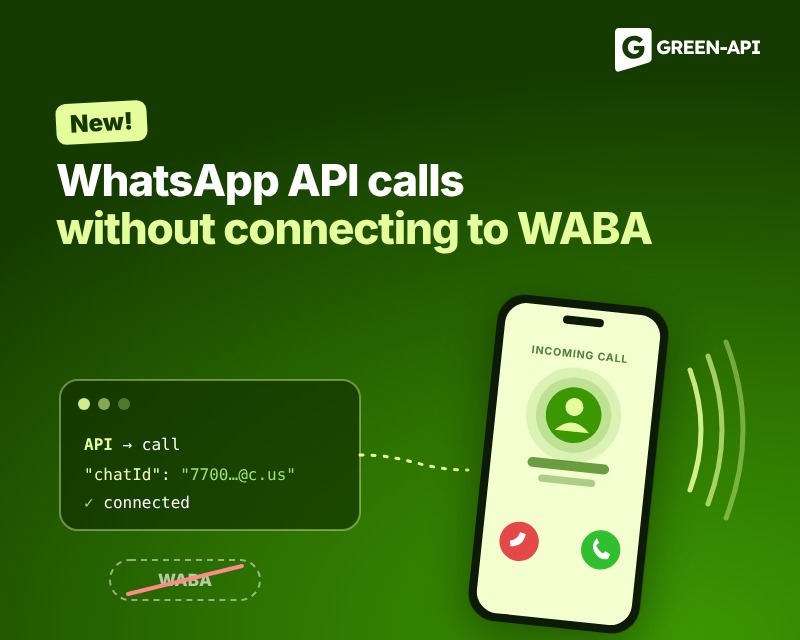
WhatsApp call functionality via API
GREEN-API now supports WhatsApp voice calls via API. Integration can now include not only text messages but also incoming and outgoing calls. You can integrate calls into a CRM or your own app and maintain call history and conversation transcripts for further customer engagement. There’s no per-minute billing—you pay for the Ultra plan and start communicating with an unlimited number of contacts.
Let’s look at how the API works, the tools available to developers, and how it can be useful for business scenarios.
What are calls via the GREEN-API?
Calls via the GREEN-API are an API tool for managing incoming and outgoing voice calls on WhatsApp. Communication takes place via a WebRTC connection, which allows you to make, receive, or reject calls, as well as integrate them with third-party customer services, such as CRM systems. In addition, all calls with an operator are recorded, and you can use them for further processing.
How to authorize an instance on the “Calls” plan
To use the “Calls” plan, you need to authorize your instance. You can do this in your Personal Account by scanning a QR code from the WhatsApp or WhatsApp Business mobile app. If the instance has already been created and authorized, you do not need a separate number or to re-authorize to enable calls—availability of the feature depends on the selected plan.
Call Management
Separate API methods are provided for managing calls. CallsDial initiates an outgoing call, CallsAccept answers an incoming call, CallsReject rejects it, and CallsHangUp ends the current call. CallsState retrieves the call status, and the CallsGetIceServers method returns the server parameters needed to configure audio transmission.
You can check the status of calls from your personal account.
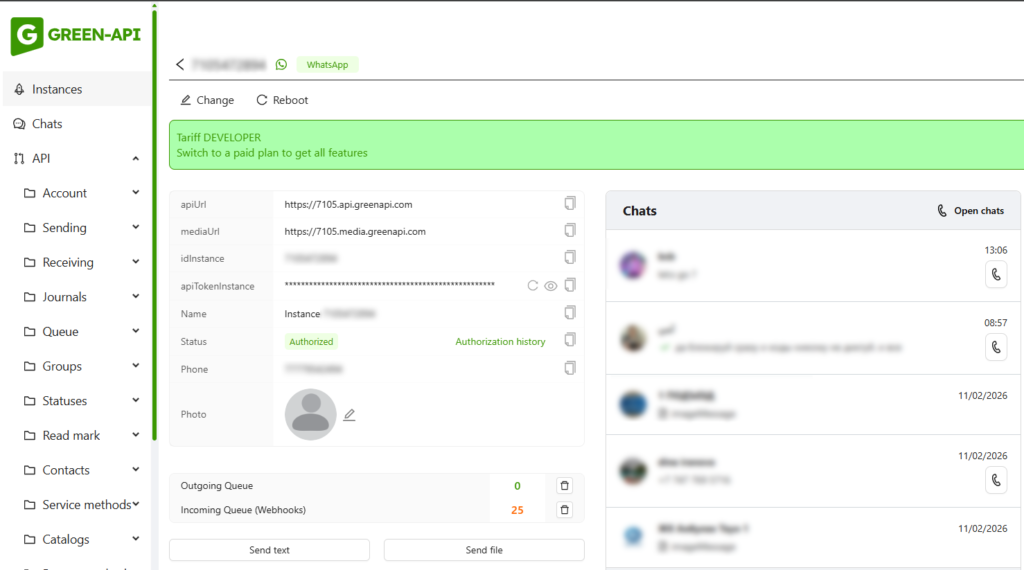
A successful response to the call initiation command does not mean that the other party has already answered. The subsequent progress of the call is tracked via CallsRtc connection events.
How It Works
Audio is transmitted using WebRTC technology, which facilitates the exchange of audio data between participants, while the CallsRTC connection provides details about the call. Therefore, both scenarios begin the same way: the connection is established first and remains active throughout the call.
The call status is set in this connection via a message with the `state` type and can take the following values:
idle– no call;inc-call– an incoming call has been received;out-call– an outgoing call is in progress;on-call– a conversation is in progress
This allows the CRM interface or application to display the current connection status, such as showing an incoming call, an active conversation, etc.
What Features Are Available
- Incoming and Outgoing Calls
A company can initiate a call to a customer from its own system. To do this, the CallsDial method is used: the request includes the other party’s chat ID. Incoming calls are also routed to the integration—the application receives an inc-call event and caller information, if WhatsApp has provided it. An agent or the app can accept a call using the CallsAccept method or reject it using CallsReject.
- Call Status Monitoring and Termination
CallsRtc events help track the call lifecycle. After a call is accepted, the status changes to “on-call,” and after the call ends, it changes to “idle.”
- Call Log and Recording
The history of incoming and outgoing calls is available via the API. After a call ends, a link to the call recording file appears. It can be saved in the customer’s profile or service history so that employees can review the content of the consultation, and managers can use the recording for quality assurance.
Before using recordings, it is important to establish your own rules for notifying call participants, storing, and accessing audio files, taking into account applicable laws and internal company policies.
Where Voice Communication Comes in Handy
- CRM and Sales
A manager can switch from messaging to a call without leaving the work interface. For example, after a request is submitted via chat, the manager can clarify order details via voice, and the call information and recording will be available in the customer’s history. The exact appearance of the interface and the level of automation depend on how the integration is implemented.
- Customer support
If an issue is difficult to resolve through messaging, an agent can continue the conversation via a voice call. Incoming calls can be displayed in the support system, and after the call, the information can be saved just like a chat history. This helps employees view the entire interaction history in one place.
- Projects
Calls are routed over the internet, so they do not require a standard international phone call or roaming. All the customer needs is WhatsApp and an internet connection. This can be convenient for companies that communicate with customers in different countries.
- Voice chatbots
Voice calls can be used for scenarios involving automated assistants. For example, an integrated solution can answer an incoming call, process speech, respond to common questions, and connect the caller to an agent if necessary. This will require custom development or integration with a speech recognition and synthesis system: the call feature itself is not a ready-made AI bot.
Important!
The cost of calls depends on the selected pricing plan—it is currently available on the Ultra plan for $36 per month. Call duration is not billed.
The “Calls” feature is currently available on new accounts; to enable it on existing accounts, we recommend contacting GREEN-API customer support.
Getting started
Create a GREEN-API instance with the Ultra plan and authorize WhatsApp using the QR code from the mobile app.
Enable calls and call recording in the instance’s user settings. If the corresponding setting is unavailable, contact technical support to verify your connection.
Review the API methods for your specific scenario: `CallsDial` for outgoing calls, `CallsAccept` and `CallsReject` for handling incoming calls, and `CallsHangUp` to end a call.
Configure the CallsRtc connection and audio transmission via WebRTC. For browser-based applications, you can use the ready-made GREEN-API JavaScript library. Handle call statuses and save a link to the call recording in your system, if this feature is enabled.
Conclusion
Voice calls expand the typical WhatsApp use case—now a company can integrate messages and calls into its own system and choose the most convenient communication format depending on the situation. This is particularly relevant for CRM systems, support services, sales departments, and developers who build their own communication platforms.
Explore the features, test the calls, and review the technical details on the product page and in the GREEN-API documentation.
At GREEN-API, we keep track of all WhatsApp updates to provide you with the latest news and solutions for automating your business processes. Stay tuned to stay up to date on all the latest developments!