
How to Implement a Pre-Sale Warm-Up
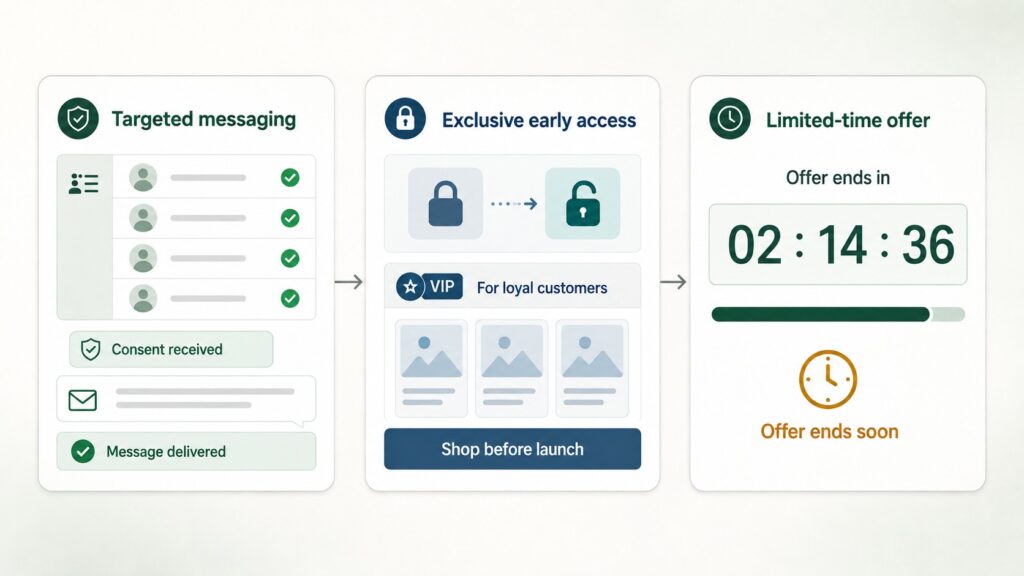
A successful warm-up is built on three key mechanics.
First, there are targeted broadcasts to opted-in users. Messages are sent only to users who have agreed in advance to receive promotional messages. This reduces the number of complaints and the risk of the number being blocked. Every message should also include a clear way to unsubscribe.
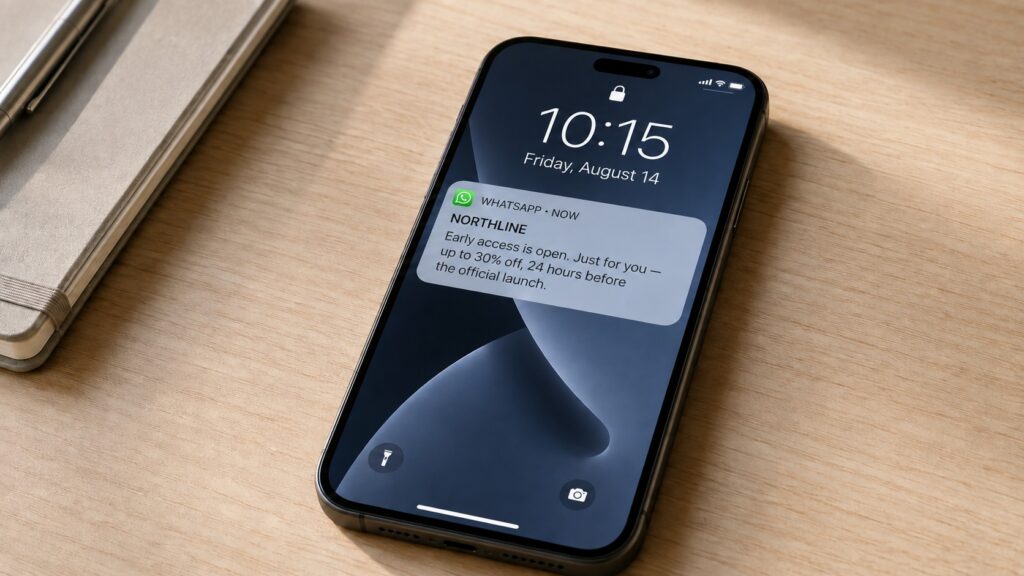
Next comes private early access, which gives regular customers an exclusive opportunity to buy products before the official announcement.
The strategy is completed by limiting the offer by time or by quantity. The message can state the exact date early access ends or include a link to a page with a countdown timer.
Key Use Cases
This strategy is easy to adapt to specific business goals.
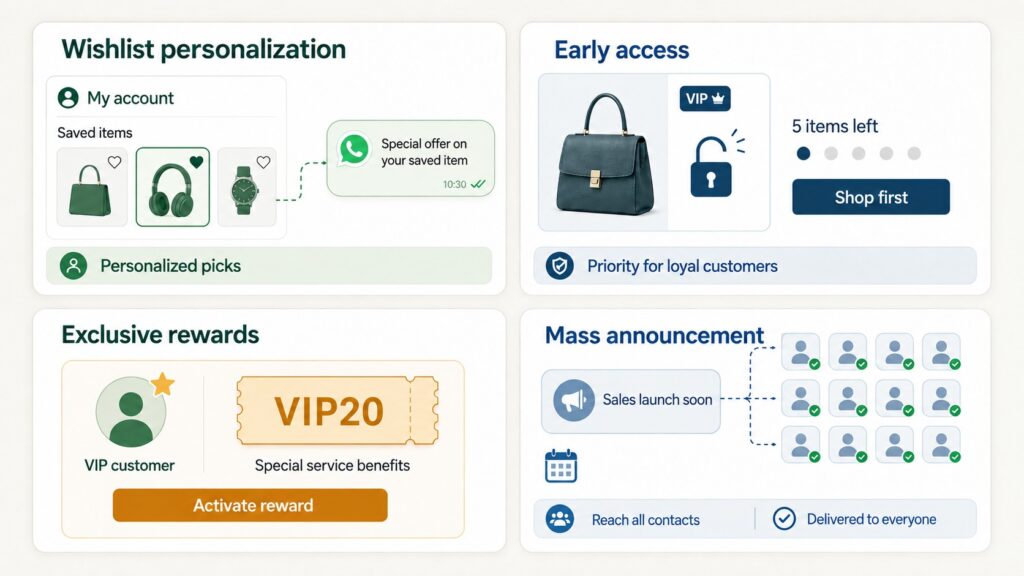
Personalization through wishlists delivers excellent conversion: users receive special offers in WhatsApp for items they previously saved on the website or in the app.
When stock is limited, early access works well, giving loyal customers priority to buy scarce items.
For the most valuable audience segments, exclusive bonuses are effective: personal coupons and special service terms.
To build demand toward a specific date, you can send a mass announcement to subscribers who have opted in to promotional messages. It’s best to segment the audience and give recipients a way to unsubscribe.
Conclusion
Well-planned pre-sale communication helps build interest in a sale in advance, estimate potential demand and spread the load on customer support more evenly.
GREEN-API can be used as a data exchange channel between WhatsApp and a company’s internal systems. A CRM or online store defines the recipient segment, the offer text and a personal promo code, and the integration then sends the prepared messages via the API. Customer replies arrive via webhooks, and a connected chatbot can register a pre-order or a waitlist request and pass it to the CRM.