
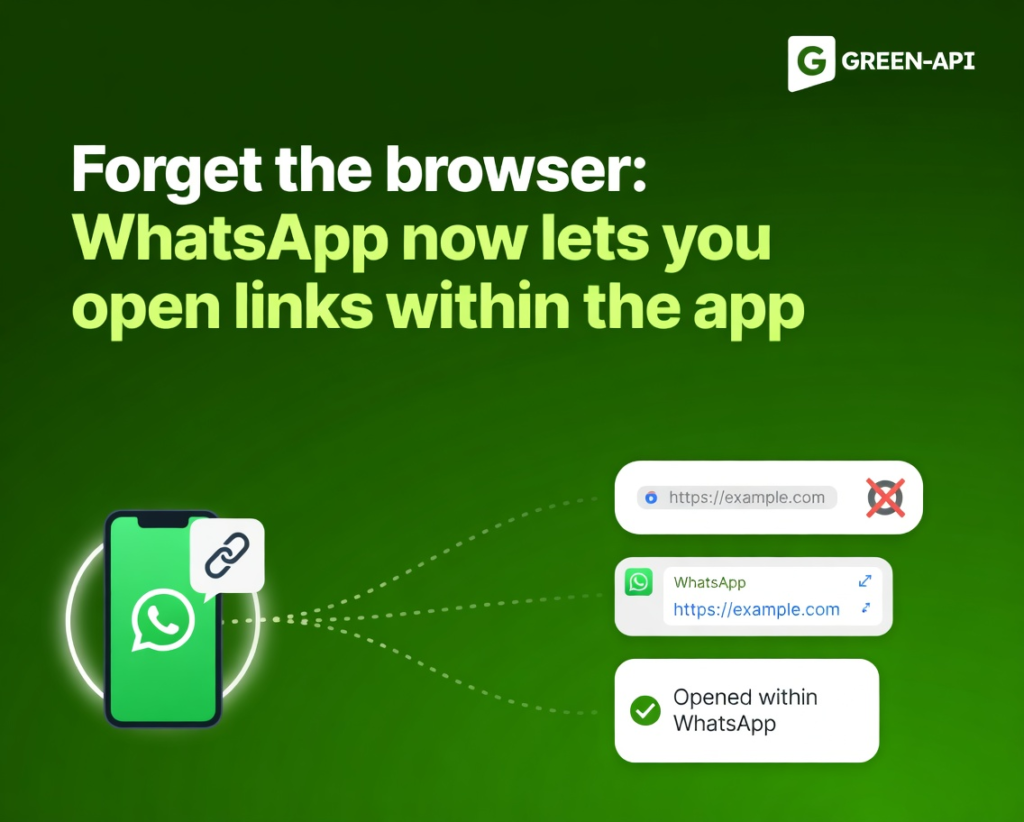
This week, WhatsApp introduced several significant updates: a redesigned chat bar on Android, an in-app browser for all links on iOS, expanded call filtering settings, dynamic behavior for the bottom navigation bar, scheduled messages on iOS, and a Reels shortcut in the attachment menu.
Table of Contents
Redesigned Chat Bar on Android
WhatsApp is testing a new chat bar with two layout options.
How it works
In both variants, the text input is placed at the top of the bar, above the emoji button, and the send button becomes part of the bar while keeping its circular style. In the first variant, the emoji button remains on the left, while attachments and camera are on the right, next to the send button. In the second variant, the emoji, attachment, and camera buttons are moved to the left, and only the send button remains on the right — a more minimalist design.
Why it’s needed
Refreshes the chat interface, making it more modern and consistent with updates to other Android app elements.
Status
The feature is in development for Android. A release is expected in a future update.
In-App Browser for All Links on iOS
WhatsApp is developing a full in-app browser that allows users to open any link directly within the app.
How it works
An “In-app browser” option will appear in settings. When enabled, all links from chats will open inside WhatsApp without switching to Safari or Chrome. The browsing session is separate from the chat. An explanatory screen appears on first enable. Users can return to the default browser at any time via the three-dot menu. Cookies and cache can also be cleared in settings. Browsing data is stored locally on the device and is not shared with WhatsApp or Apple.
Why it’s needed
Extends the previously available business link feature to all links. Simplifies viewing links in chat without interrupting the conversation.
Status
The feature is in development for iOS. A release is expected in a future update.
Expanded Call Filtering Settings
WhatsApp is developing a new call filter with three options instead of simply silencing unknown callers.
How it works
A choice will appear in privacy settings: “Never” (filtering disabled, all calls come through as usual), “Silence unknown callers” (the call appears in the list and notifications but the phone doesn’t ring), and “Auto-answer with transcription” (WhatsApp answers the call and asks the caller to explain the reason, then generates a private transcription on the device using language packs without sending data to servers). The user can read the transcript and decide whether to answer. The transcription language can be selected.
Why it’s needed
Gives more control over unknown calls, allowing important ones (courier, doctor) to get through while avoiding spam. Transcription is done locally, preserving end-to-end encryption.
Status
The feature is in development for Android. A release is expected in a future update.
Dynamic Bottom Navigation Bar on Android
WhatsApp is testing a new behavior for the bottom navigation bar: it shrinks when scrolling through the chat list and returns to full size when scrolling up.
How it works
In its full form, the bar spans the entire screen width. When scrolling down, it gradually reduces in width and height, turning into a compact floating “pill” at the bottom of the screen. The icons remain visible. When scrolling up, the bar returns to full size. The behavior is similar to the navigation bar in Instagram.
Why it’s needed
Reduces distractions when searching for a specific chat, freeing up screen space. Improves focus on content.
Status
The feature is in development for Android. A release is expected in a future update. The design may be further refined.
Scheduled Messages on iOS
WhatsApp is bringing the ability to delay sending messages to iOS.
How it works
The user types a message and long-presses the send button. A date and time picker appears. A message can be scheduled from 10 minutes up to two weeks in advance. Text, links, photos, and videos are supported (one item at a time). Scheduled messages appear in the chat info screen, where they can be viewed or deleted before sending. The recipient will not know about the scheduled message. In groups, only members who were in the group at the time of scheduling will receive the message.
Why it’s needed
Helps users remember to send birthday greetings, reminders, or important information at the right moment. Useful when there is a time difference or a busy schedule.
Status
The feature is available to some iOS beta testers. Gradual rollout.
Reels Shortcut in the Attachment Menu on Android
WhatsApp is adding a separate button for quick access to Instagram Reels and posts directly from the chat attachment menu.
How it works
The Reels button appears in the attachment menu only for users who have linked their WhatsApp account to Accounts Center. Tapping it opens a screen with three tabs: “Recents” (recently viewed Reels), “Saved”, and “Liked”. The user selects a Reel or post and sends it to the chat. Previously, this required opening the gallery and switching to the Instagram source, which was not obvious.
Why it’s needed
Simplifies and speeds up sharing content from Instagram, making the feature more visible and accessible.
Status
The feature is available to some Android beta testers. Gradual rollout.
Conclusion
This week, WhatsApp focused on improving the interface and expanding functionality: the redesigned chat bar and dynamic navigation make the Android app more modern, the in-app browser and scheduled messages on iOS enhance convenience, expanded call filtering gives more control over unknown calls, and the Reels shortcut simplifies content sharing.
At GREEN-API, we monitor all WhatsApp updates to bring you the latest news and solutions for automating your business processes. Stay with us to be the first to know about all the latest developments!