
Using the platform
Make uses an intuitive visual interface where automation processes are created by dragging and dropping blocks together. Such simplifications make automation development accessible to users with no programming experience.
Scenarios act as automated processes in Make.
After creating the script, a plus sign will appear, by clicking on which you can add an application.
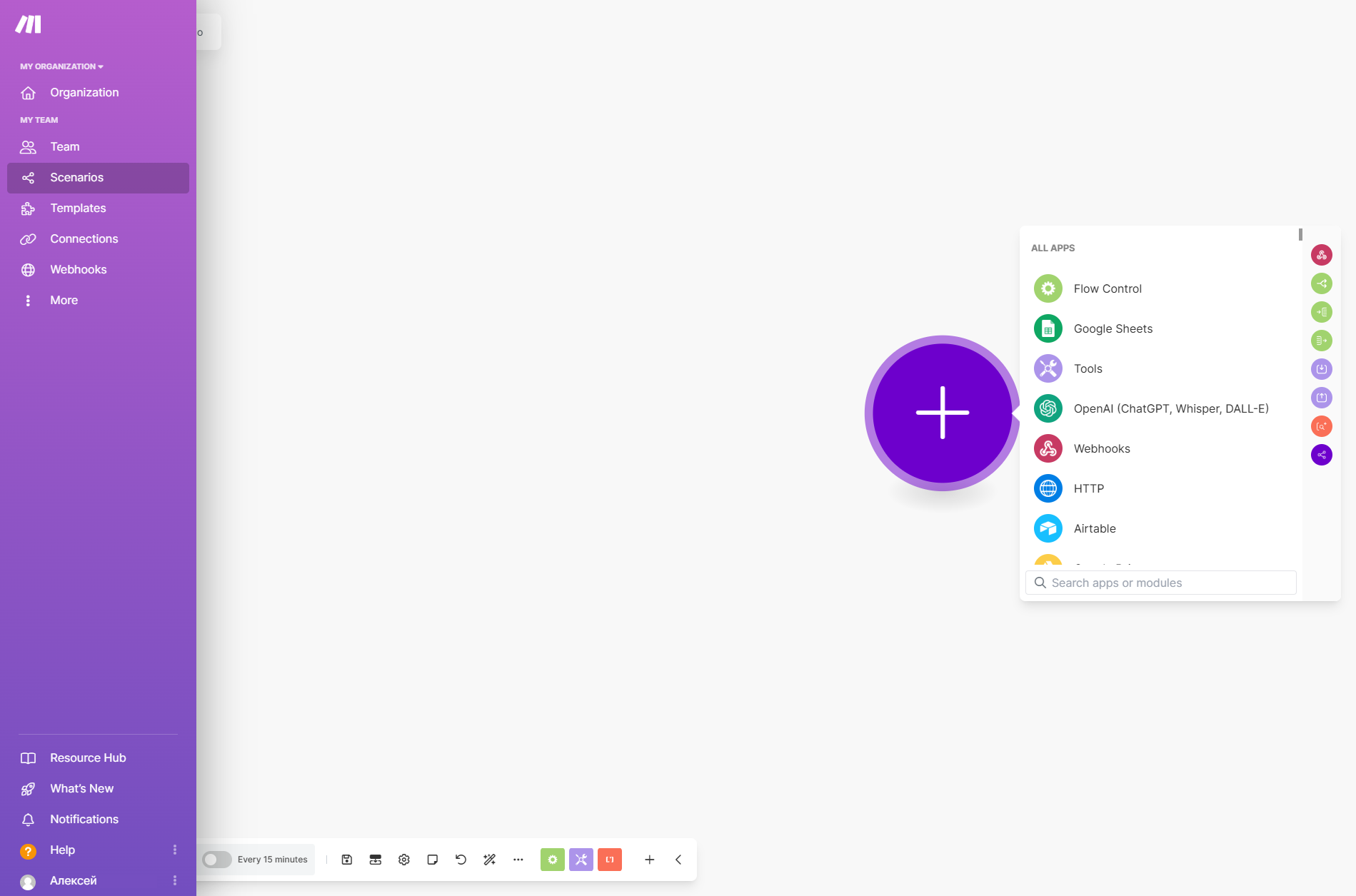
Each scenario consists of a trigger and an action. In order for the created scenario to be activated automatically, you will first need to configure the trigger (the event after which the scenario is launched) and then configure the corresponding action (what will happen after the scenario is launched).
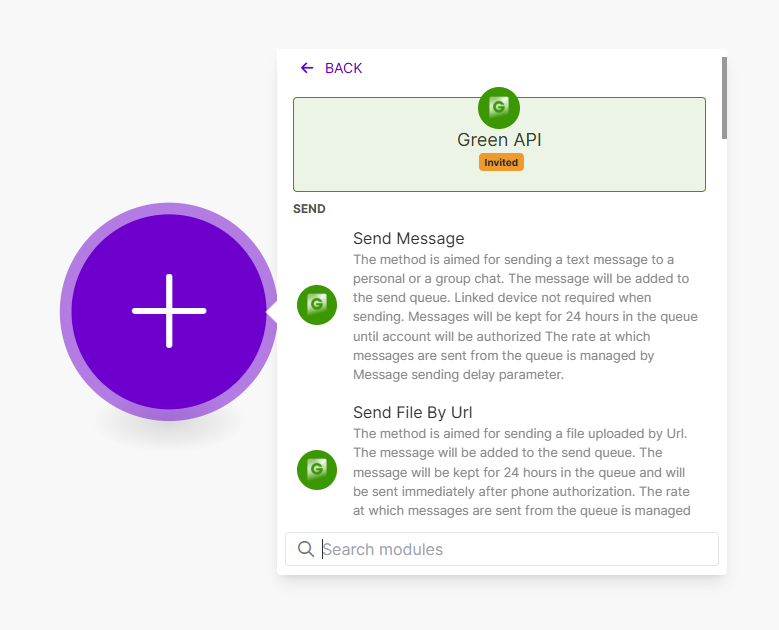
For each application in Make a large number of actions are implemented. For example, in the GREEN-API application all actions repeat the methods of the service, all actions repeat the service methods, which you can read more about our documentation.
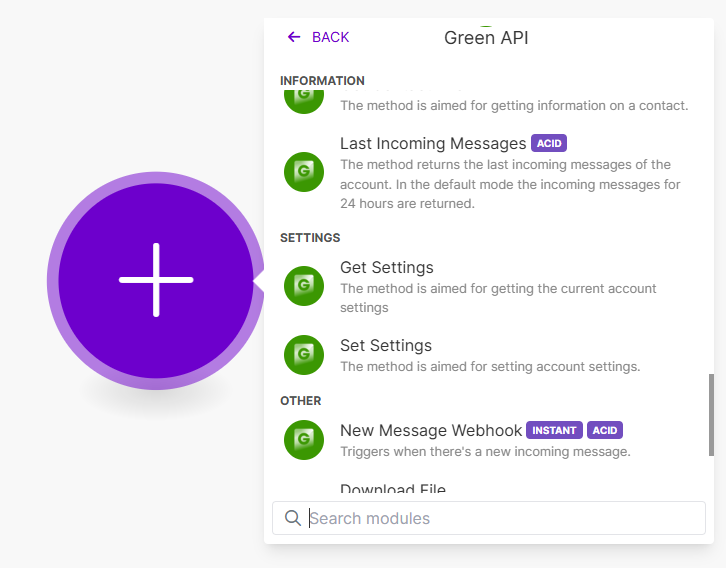
Actions with the ACID tag in Make are methods that can be used for the trigger. For example, methods for receiving messages.
An example of setting up GREEN-API integration with Make is available in our documentation. It shows how to create an automated system where when a message is received on a WhatsApp account, a message will be sent in response.
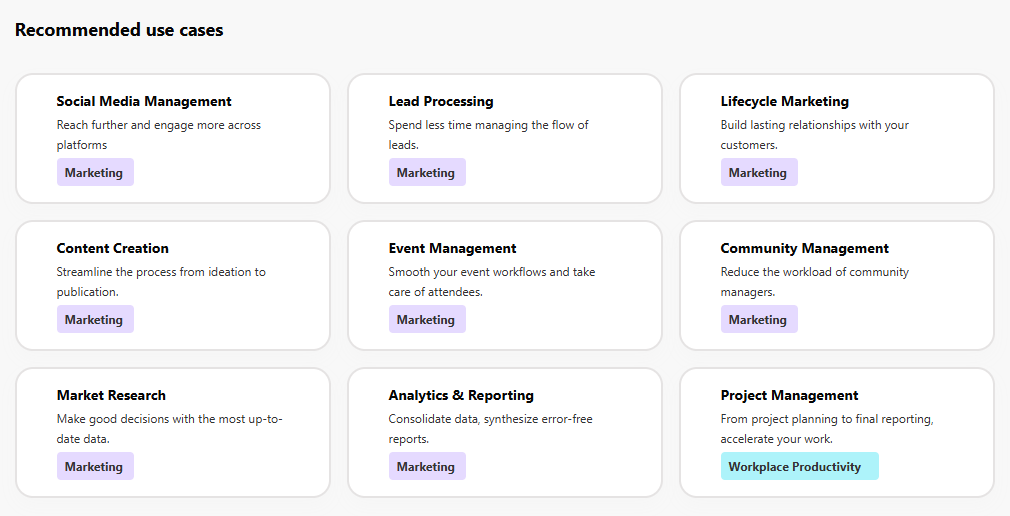
Make also has its own documentation, located in the Resource Hub tab. It provides recommended use cases such as content creation, analytics and reporting, project management, and more.
Conclusion
Overall, Make allows you to save time and resources by integrating different systems and automating repetitive tasks. As a powerful and flexible automation tool, Make is suitable for both personal and corporate use. Its visual editor and wide range of integrations make working with the platform accessible and easy to use.
Follow the updates on our blog, we will soon talk about new solutions using Make and GREEN-API.