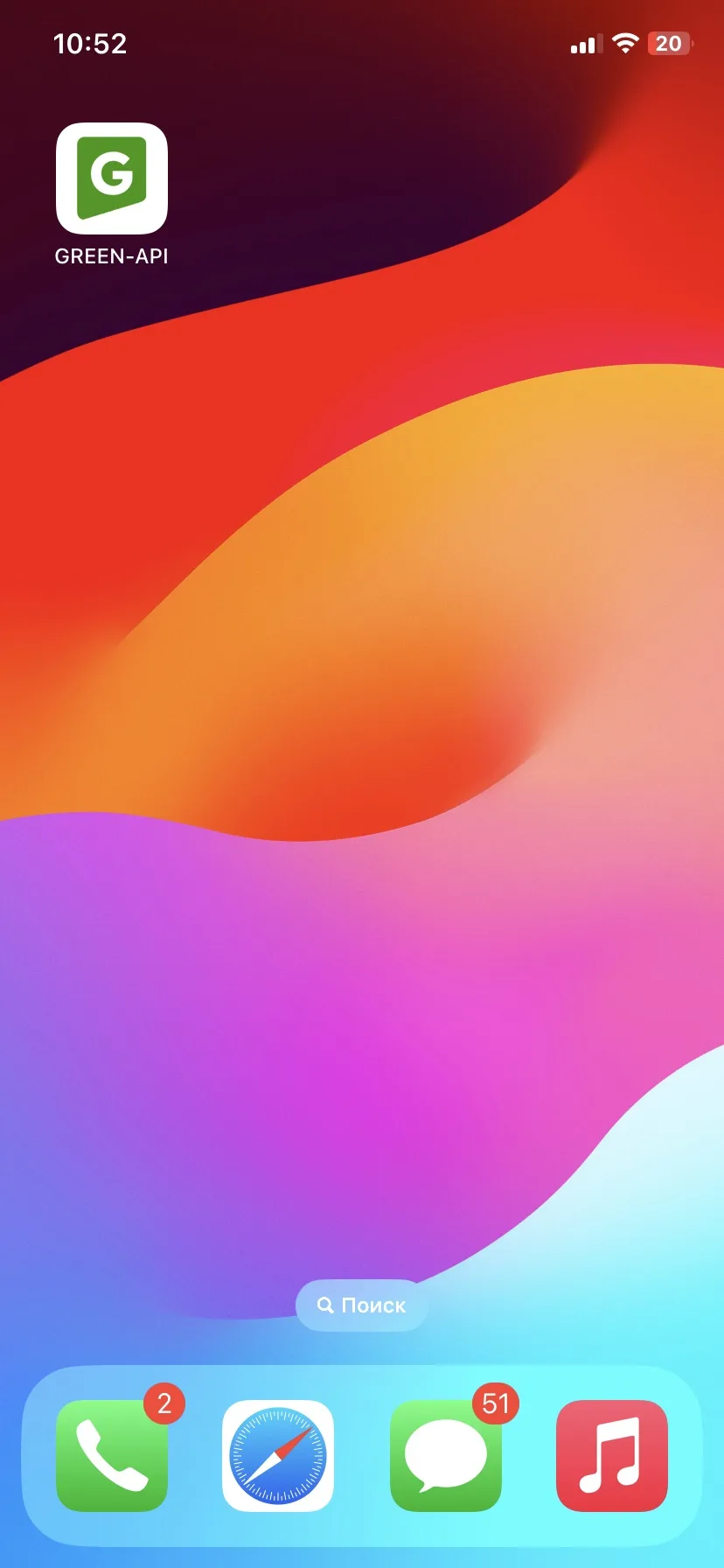
How to install the GREEN-API app on iOS?#
All the features of your GREEN-API personal account are now in your pocket. Easily access your personal account on your iPhone and iPad.
For installation on Android, please see the article How to install the GREEN-API app on Android
Installing the app#
- To install the app, launch your Safari browser
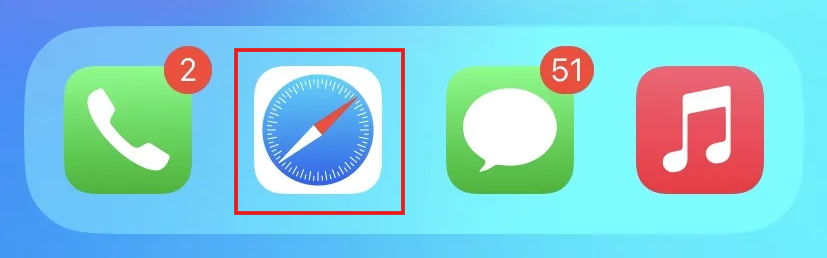
- Open your GREEN-API console in Safari and sign in to your account
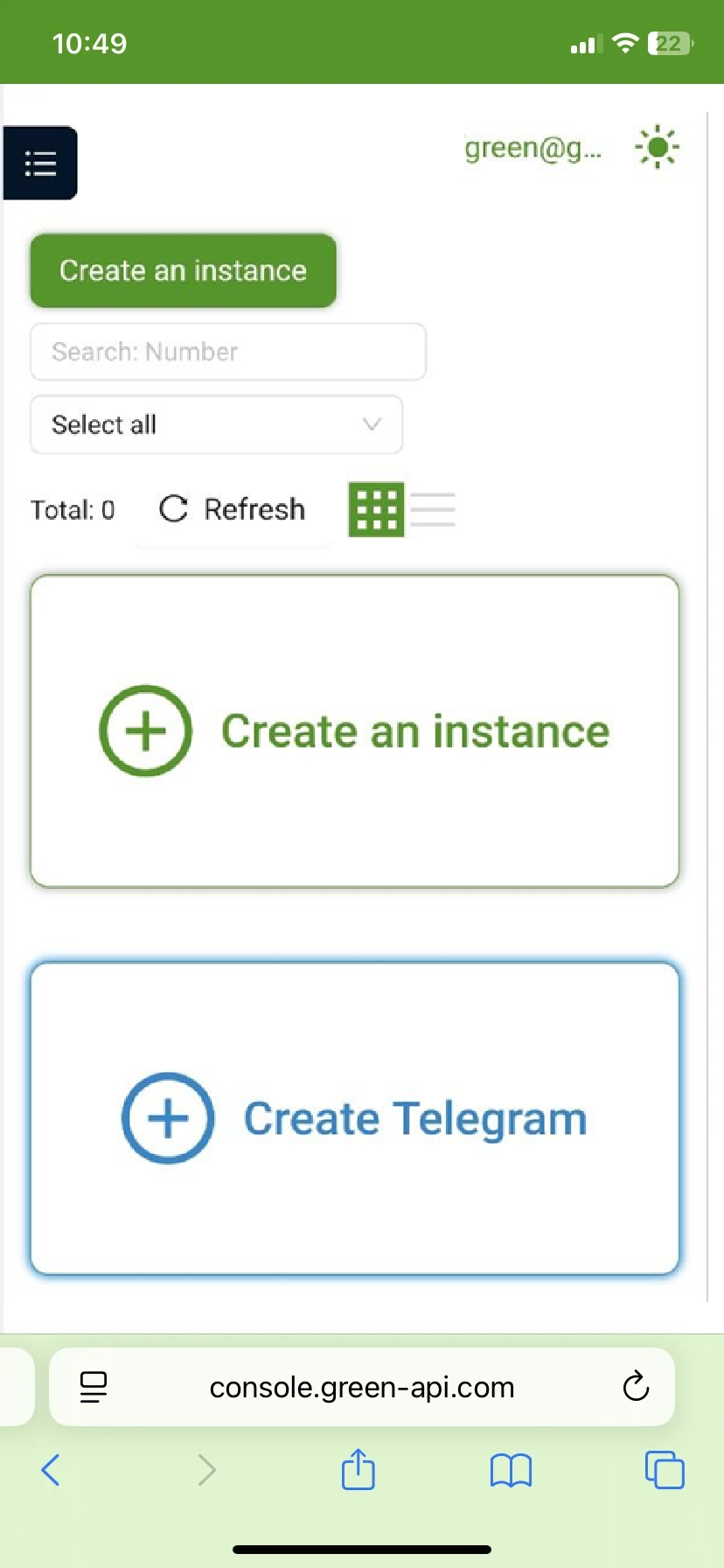
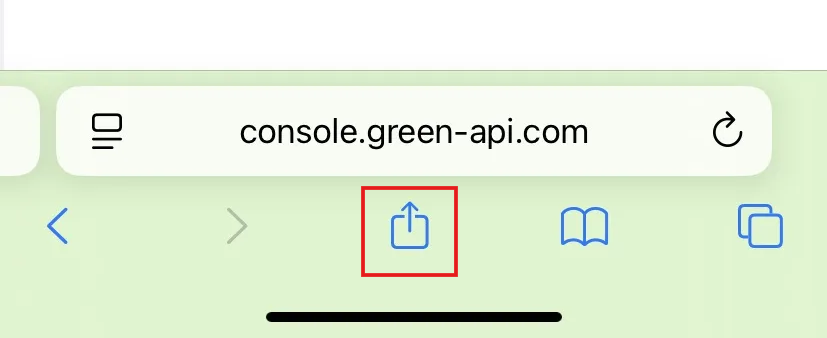
- Tap the Share button. If you don't see the bottom menu, tap the bottom of the screen. If you're using the Bottom or Top tab view, tap
 Share
Share
- Scroll down the list of options. Then tap Add to Home Screen
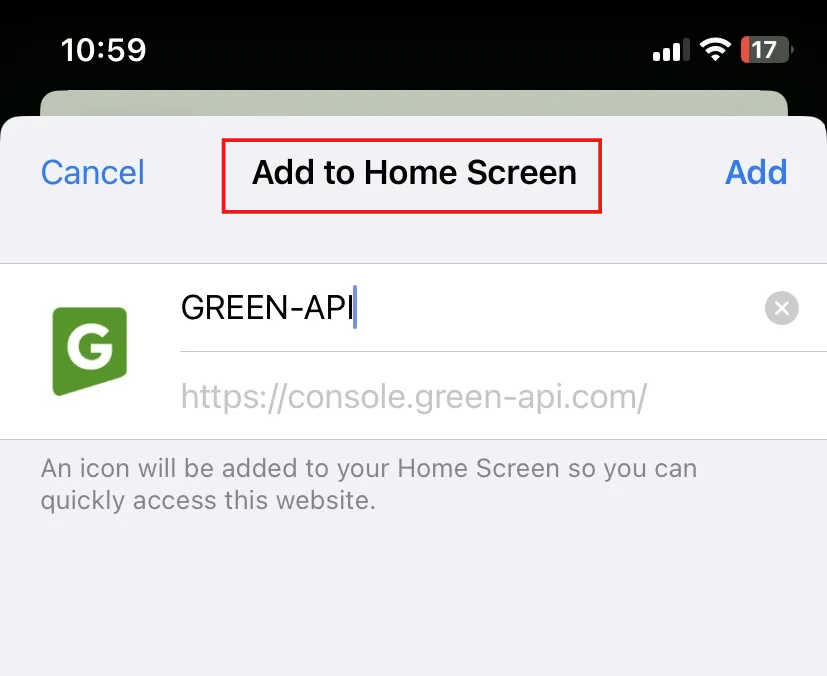
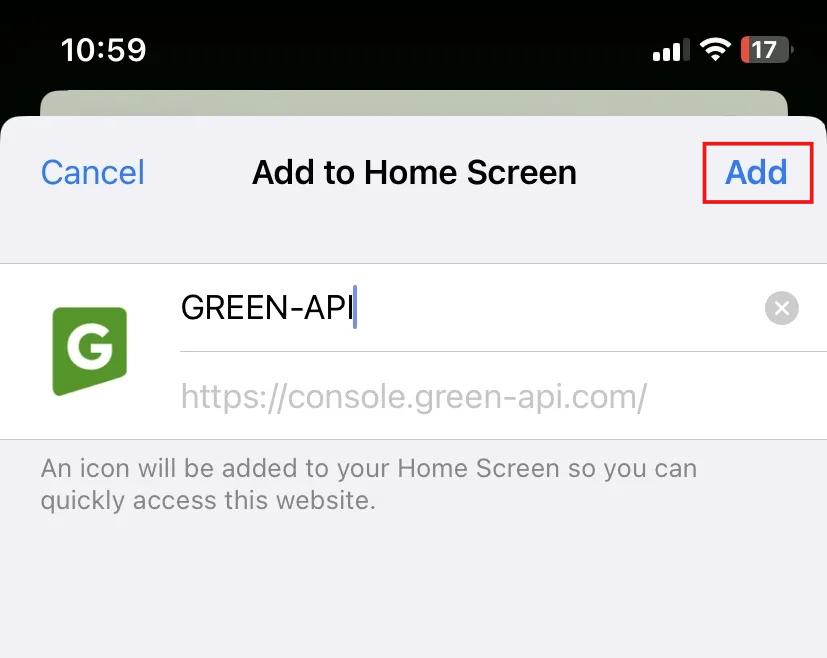
You can enable the "Open as web app" option to use the website as an app. - Tap the Add button
Launching the app#
The GREEN-API app icon appears on the Home screen. Tapping the icon will open the app's dashboard as usual.